

Multi-tenant auth that keeps customer data in its lane
Use Authdog's Organization → Tenant → Project → Environment hierarchy so every request stays inside the correct workspace and deployment stage.

Authdog Team
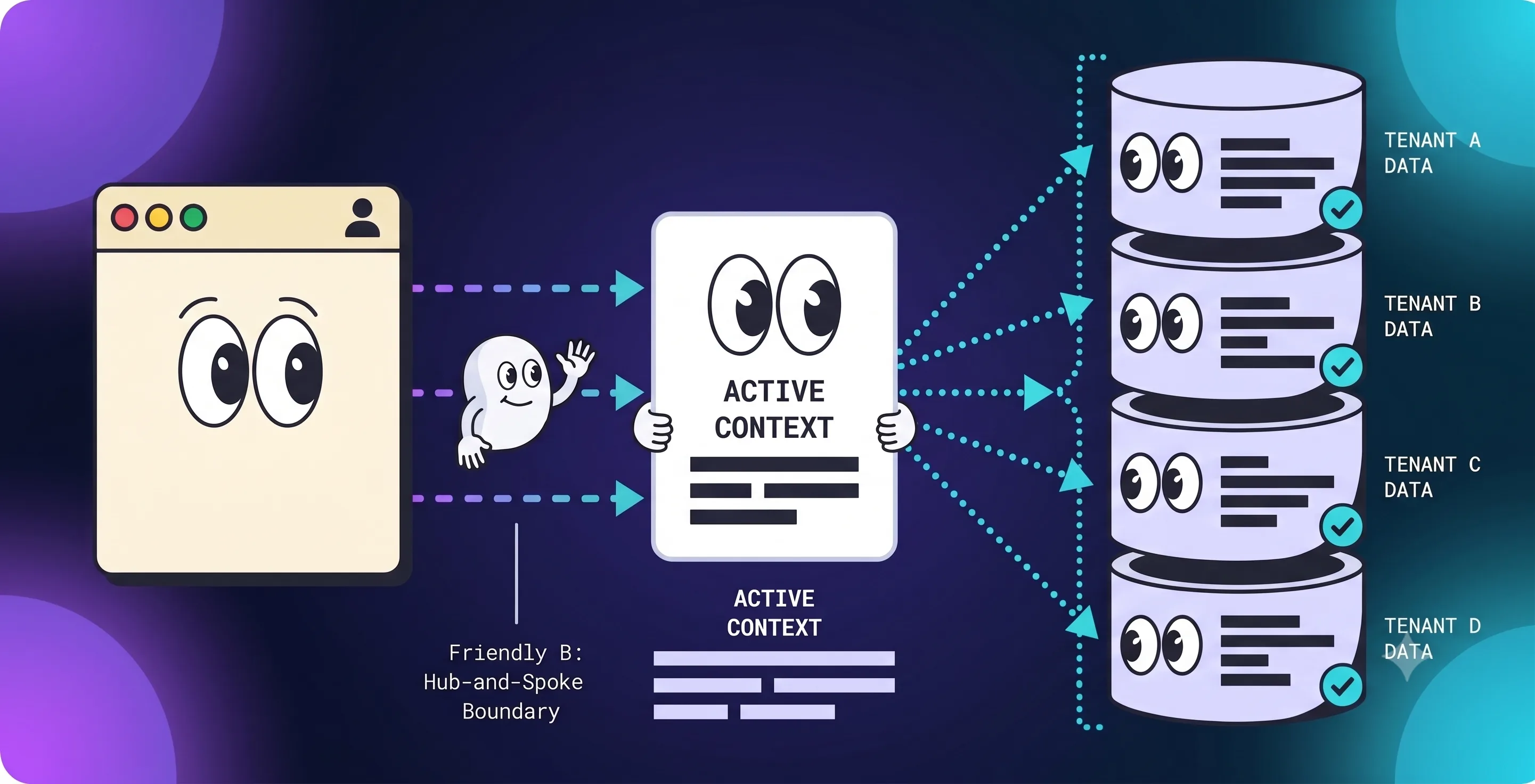
Multi-tenancy tends to fail in boring places: a project query missing one condition, an ID taken straight from request JSON, a role checked without confirming which workspace it applies to. Authentication can be completely correct while data still leaks across a boundary. Those are two different problems, and fixing one doesn't fix the other.
Authdog gives you a management hierarchy for isolation. Your application code still has to carry the right scope into every data access and authorization decision.
Organization, tenant, and environment solve different problems
Authdog has layered boundaries, and they're not interchangeable:
- Organizations are the account umbrella: shared billing, admin memberships, and the tenants linked under them. They sit above tenants, not inside an environment.
- Tenants are workspaces. Use separate tenants for products, clients, or business units that should not share projects, teams, or settings.
- Environments separate deployment stages. Each one gets its own keys, connections, authentication configuration, and user store.
Don't spin up one Authdog environment per customer unless those customers genuinely need separate identity infrastructure. Prefer tenants (and projects) for workspace isolation, and environments for dev / staging / production.
Put workspace ownership on every resource
Every customer-owned record needs an immutable workspace identifier you control in your app (often your own tenant or account ID). Pull identity from a validated session, then thread workspace scope through a narrow server-side context:
type TenantContext = {
  userId: string
  workspaceId: string
  permissions: string[]
}

export async function listProjects(context: TenantContext) {
  return db.projects.findMany({
    where: { workspaceId: context.workspaceId },
  })
}
That shape makes it harder to accidentally write an unscoped query. Stronger systems also enforce the rule in repository functions, database row-level security, or both.
Never trust a workspace ID from query parameters, request bodies, local storage, or a hidden form field as authorization context. Those values can express navigation intent; only a validated session plus your server-side membership checks decide access.
Keep management scope and end-user auth separate
Organization membership answers who can administer the Authdog account and its tenants. Environment users and roles answer what an end user may do in your product.
Avoid collapsing those layers: an org admin role is not an environment RBAC role, and an environment user is not automatically an organization member.
Treat a scope switch as a security transition
In the console or CLI, changing organization, tenant, project, or environment clears lower selections so you don't act on the wrong subtree. In your app, switching the active customer workspace should be the same kind of transition: verify membership server-side, establish new context, and return fresh state. Flipping a variable in the browser isn't enough.
After a switch:
- Invalidate or replace cached queries tied to the previous workspace.
- Regenerate server-rendered data under the new context.
- Re-mint any workspace-scoped widget or portal tokens.
- Record the switch wherever your audit requirements call for it.
Make sure cache keys include the workspace ID. A cache keyed only on user ID can leak one customer's result to another after a switch.
Test for isolation, not just the happy path
Create two workspaces, and one user with different roles in each. Then check:
- A resource from workspace A can't be fetched while B is active.
- Guessed IDs don't slip past workspace filters.
- A user removed from A loses A access while keeping B access.
- A role in A doesn't grant that same role in B.
- Switching workspaces clears stale caches and server state.
- Background jobs and webhooks carry explicit workspace context.
Put negative tests at both the repository layer and the HTTP boundary. A passing click-through test proves the happy path. It proves nothing about isolation.
Keep the boundary visible
Reliable authorization follows one chain you should be able to trace end to end:
validated session → workspace membership and permission → workspace-scoped query
If any protected path skips a link in that chain, the tenant boundary becomes a convention instead of a control. Start with Authdog multi-tenancy and organizations, then wire up backend session validation before customer data ever touches the wire.